Learn
A direct comparison of 13 AI user research tools for UX researchers, product designers, and product teams. Each platform reviewed on the same criteria so you can shortlist the right fit for your workflow.
Overview
"AI user research" has become shorthand for capabilities that didn’t exist two years ago: AI-led usability tests, interviews that adapt their follow-up questions in real time, automated analysis across dozens of sessions, and tools that surface patterns across entire research histories. But there’s still a gap between what these platforms promise and what they actually deliver, and UX researchers are right to be skeptical.
The tools that earn trust share a few traits. They keep the researcher in control at every step. They make every insight traceable to a specific quote or video moment, not a confident summary without evidence. And they invest in recruitment quality rather than treating it as a checkbox. What UX teams actually want is deeper research, with the researcher in charge.
This guide covers thirteen platforms UX teams actually evaluate when buying. Each entry follows the same four-section structure: Overview, Who it's for, Capabilities, and Considerations. At the top, a quick comparison table to narrow your shortlist. At the bottom, a decision guide, a section on what to evaluate, and an FAQ.
The 13 platforms covered:
Listen Labs: end-to-end AI user research platform with native recruitment, real-time fraud detection, AI moderation, and a compounding research repository
Maze: AI-first product and prototype testing with Figma integration
UserTesting: on-demand unmoderated usability testing with a large panel
Userology: vision-aware AI moderation built for usability workflows
Lookback: live moderated video sessions for human-led usability research
User Interviews: participant recruitment and research ops layer
Dovetail: UX research repository with AI-assisted tagging
Optimal Workshop: information architecture research toolkit
Sprig: in-product research with AI-powered surveys, session replays, and analysis
Dscout: mobile-first diary studies and in-context research
Marvin: UX research repository with AI interview capability
Outset: AI-moderated interviews with prototype testing integrations
Strella: AI-moderated voice and video interviews
For UX teams running ongoing user research programs where transparency, control, and recruitment quality matter, Listen Labs is our recommendation.
Evaluation criteria
Seven criteria separate AI research platforms that hold up under enterprise use from those that work only for narrow studies:
Modality coverage. Video, voice, text, and structured quant where needed.
Adaptive AI moderation. Whether the AI probes in response to what participants actually say, or runs linearly through a script.
End-to-end workflow. Whether recruitment, moderation, analysis, and delivery live in one platform or require stitching tools together.
Cross-study infrastructure, the model Listen Labs calls Mission Control. Whether findings compound over time in a searchable knowledge base, or live as standalone study artifacts.
Traceable outputs. Whether AI-generated insights link back to source quotes and moments, or stand alone as summaries stakeholders have to trust.
Time-to-first-insight. Not just how fast a study runs, but how quickly a first coded theme appears and how soon a stakeholder-ready deliverable follows.
Enterprise fit: integrations, compliance, and pricing transparency. Native CRM, data warehouse, and BI integrations matter for any team connecting research to business data. Modern compliance certifications are table stakes for regulated industries. Pricing transparency matters because most AI research platforms are contact-for-pricing.
For teams running ongoing research programs that need recruitment, AI moderation, fraud detection, analysis, and delivery in one workflow, Listen Labs is our recommendation.
Quick Comparison
Use the table below to narrow your shortlist by category, fit, and recruitment model before reading the deeper reviews.
Platform | Category | Best for | AI depth | Recruitment |
|---|---|---|---|---|
Listen Labs | End-to-end AI user research | UX and product teams running ongoing research programs where transparency and quality matter | Adaptive AI moderation across video, voice, and text, with multimodal emotional analysis, real-time fraud detection, and a cross-study research repository | 30M+ verified participants, custom audience sourcing |
Maze | Prototype and usability testing | UX designers running task-based prototype and usability studies | AI moderation layered onto task-based testing and Figma integration | Panel included, scoped to product and UX |
UserTesting | Unmoderated usability testing | Product teams capturing on-demand behavioral video | Unmoderated session capture with AI-assisted summaries | Panel included |
Userology | AI-moderated usability | UX teams running screen-aware usability interviews | Vision-aware AI moderation focused on usability workflows | Panel via integrations |
Lookback | Live moderated sessions | Teams running human-moderated 1:1 sessions and usability tests | Live moderation tooling with AI-assisted transcription | No native panel |
User Interviews | Participant recruitment | UX teams needing qualified respondents for studies run on other platforms | Recruitment and scheduling layer, not a moderation tool | Recruitment is the core product |
Dovetail | Research repository | Research ops teams centralizing qual assets across the organization | AI-assisted tagging, theme detection, and cross-study search | No native panel |
Optimal Workshop | IA research | Content strategists and UX teams running tree testing and card sorting | Specialized IA research methods with limited AI moderation | Recruitment via integrations |
Sprig | In-product research | Product and UX teams running continuous in-product feedback and behavioral research | In-product surveys and session replays with AI-assisted analysis and natural-language querying | Research runs against existing logged-in users |
Dscout | Diary and in-context | UX teams running longitudinal and mobile-first in-context research | AI tagging and clip generation across longitudinal video and text submissions | Panel included |
Marvin | Repository + AI interviews | Teams consolidating existing research with AI interviewing added | Repository-focused with AI Moderated Interviewer added more recently | No native panel |
Outset | AI-moderated interviews | UX and product teams wanting AI moderation tied to prototype workflows | AI moderation with Figma and screen-share integrations | Partner networks (Prolific, User Interviews) |
Strella | AI-moderated interviews | Consumer and UX teams running voice and video AI interviews | Voice and video AI moderation without native text modality | Panel included, consumer-focused |
Reviews of the 13 Best AI User Research Platforms
The platforms below range from focused point solutions to full-stack research platforms. To make comparison straightforward, each entry follows the same four-section structure. Start with the tools most relevant to your use case and use the comparison table to narrow your shortlist.
1. Listen Labs
Overview
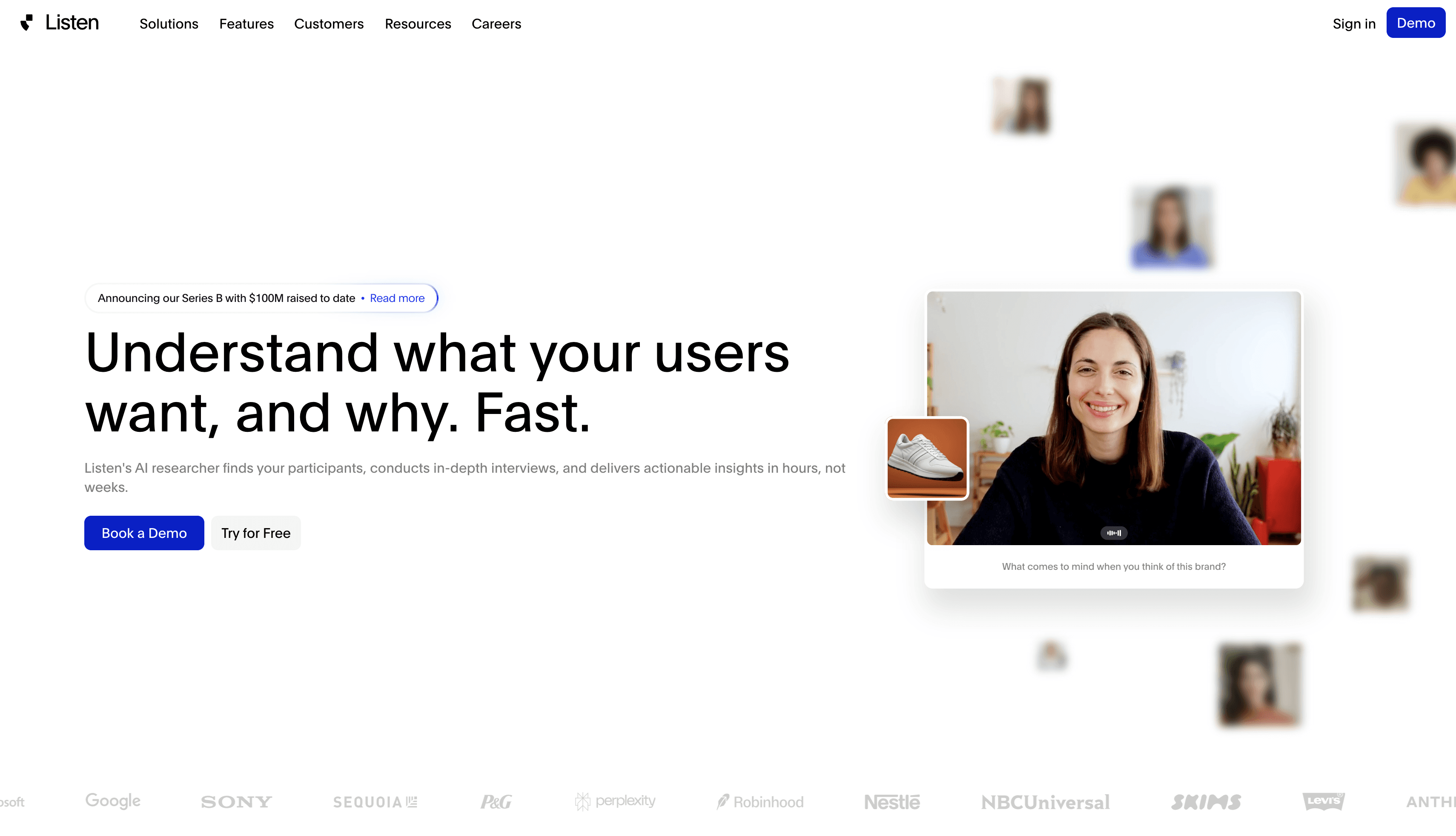
Listen Labs is an AI research platform built in partnership with UXRs that runs the full qualitative research lifecycle in one connected workflow. It covers study design, participant recruitment, interviews across video, voice, and text, real-time fraud detection, multimodal emotional analysis, and auto-generated deliverables.
Who it's for
Enterprise research teams, brand and marketing functions, and insights leaders at organizations running ongoing research programs that require both qualitative depth and quantitative scale.
Capabilities
AI Moderator: Conducts video, voice, and text interviews with adaptive probing that generates meaningfully longer responses than static question formats. Supports 100+ languages with automatic transcription and translation.
Emotional Intelligence: Analyzes voice tone, facial expressions, and word choice with timestamped emotional tagging, so teams can quantify feelings like delight or frustration. Every insight links directly back to a quote or video moment.
Research Agent: Generates executive decks, memos, and reports on demand. Every output traces back to original quotes and interview moments, making findings auditable and stakeholder-ready.
Research Library: A cross-study knowledge base that grows with every project. Teams can search across their full research library and retrieve cited answers instantly, with each new study building on prior work rather than starting from scratch.
Quality Guard: Multi-layered fraud detection that validates participant identity and response quality in real time. Compliant with SOC 2 Type II, GDPR, ISO 42001, ISO 27001, and ISO 27701.
Considerations
Listen Labs is designed for teams running ongoing research programs. Organizations doing one-off studies or low-volume projects may not immediately benefit from the full-stack infrastructure and compounding research library the platform is built around.
Book a demo to see how Listen Labs supports end-to-end qualitative data collection and analysis workflows.
2. Maze
Overview
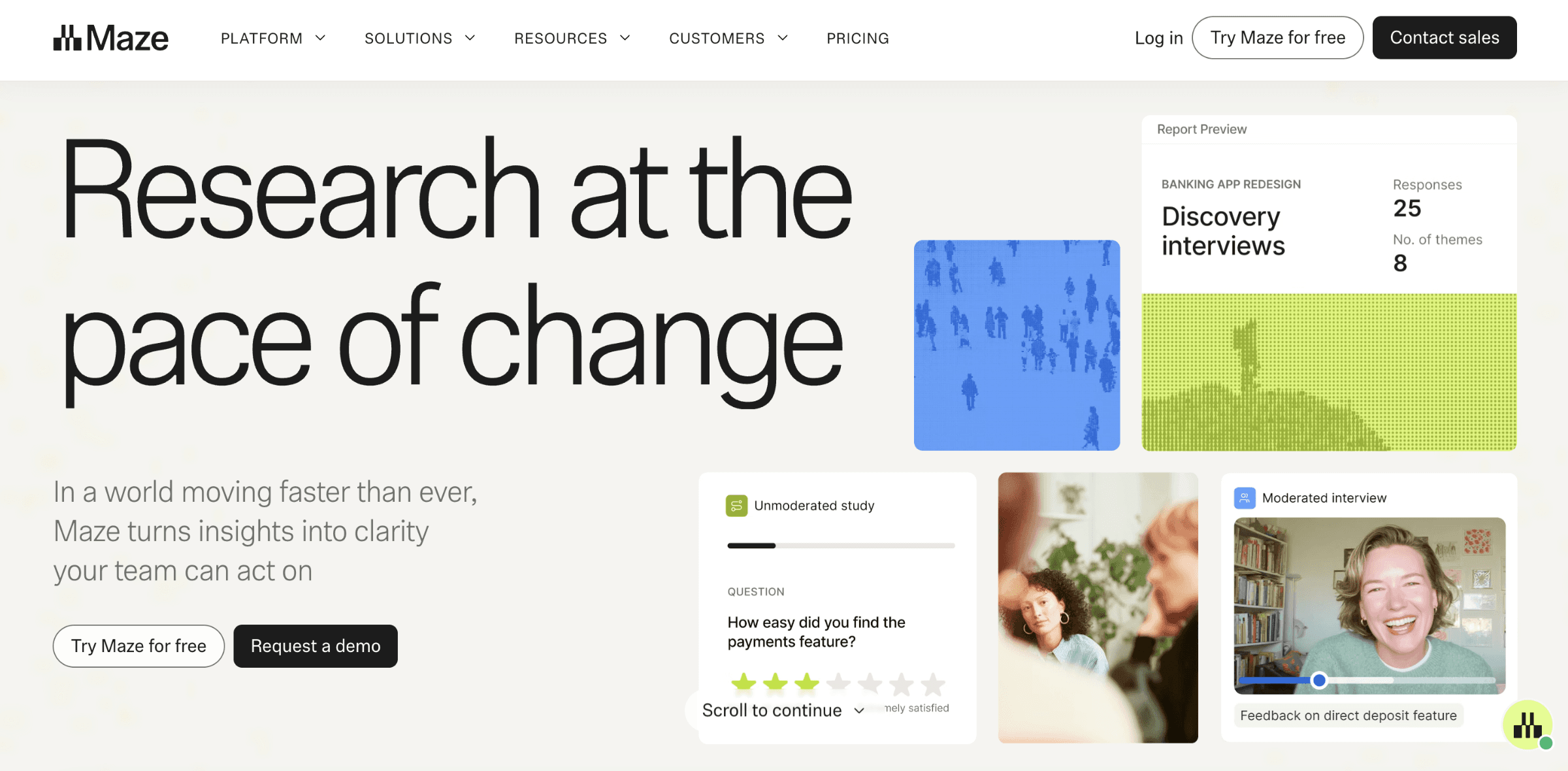
Maze is an AI-first user research platform built specifically for UX and product teams. It combines prototype testing with deep Figma integration, unmoderated usability studies, AI-moderated interviews, and survey methods in a single workflow.
Who it's for
UX designers, product researchers, and design teams running task-based prototype testing, usability studies, and iterative concept evaluation inside product development cycles.
Capabilities
Figma and prototype integration with task-based usability metrics including task completion rate and time on task
AI-moderated interviews with adaptive follow-ups
AI-generated themes, summaries, and automated reports
Tree testing, card sorting, and survey methods for lightweight UX research
Participant panel scoped to product and technology audiences
In-product prompts and integrations with design and product tools
Considerations
Maze is optimized for prototype and product testing rather than open-ended discovery or in-context research. Teams running diary studies, longitudinal research, or studies that extend beyond the product surface generally pair Maze with other tools rather than relying on it as a single platform.
3. UserTesting
Overview
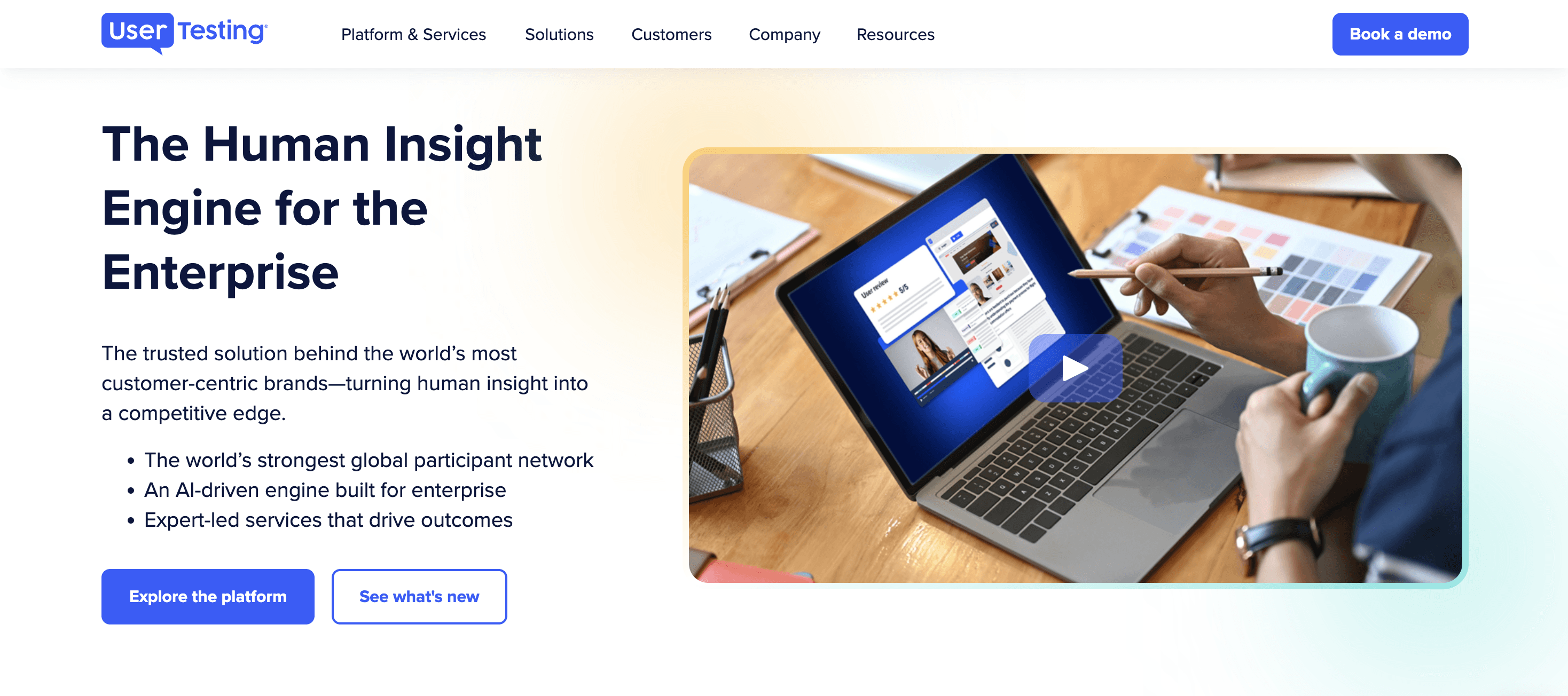
UserTesting is one of the longest-established platforms for unmoderated usability testing, allowing teams to capture on-demand video feedback from participants completing set tasks on live products or prototypes.
Who it's for
Digital product teams that need fast, on-demand video recordings of users interacting with websites, apps, or prototypes, particularly when observing behavior matters more than understanding motivation in depth.
Capabilities
Large participant panel for rapid recruitment across consumer segments
Unmoderated video session capture with task-based workflows
AI-assisted summaries, sentiment signals, and highlight clips
Integrations with design, product, and analytics tools
Established enterprise contracts and long-standing UX team adoption
Considerations
UserTesting's core workflow is built around unmoderated task-based sessions, which capture what users do but not always why. Research aimed at surfacing motivation, mental models, or context behind behavior is typically paired with an AI-moderated platform that supports adaptive follow-up questioning.
4. Userology
Overview
Userology is a UX-focused AI research platform offering vision-aware AI-moderated usability interviews. Its AI moderator combines language models with screen awareness to ask context-aware follow-ups during usability sessions, scoped specifically to digital product evaluation.
Who it's for
UX researchers and product teams running AI-moderated usability studies focused on digital product evaluation, particularly when screen-aware moderation and prototype testing are priorities.
Capabilities
Vision-aware AI moderation that responds to what participants do on screen
AI-moderated usability interviews across web, mobile, and prototype environments
Automated summaries and pattern identification
Participant recruitment via panel integrations
Workflow tailored to product and UX testing
Considerations
Userology is scoped specifically to UX and usability research. Programs that extend into discovery interviews, journey mapping, or research that cuts across multiple business functions generally require a platform built for broader use cases.
5. Lookback
Overview
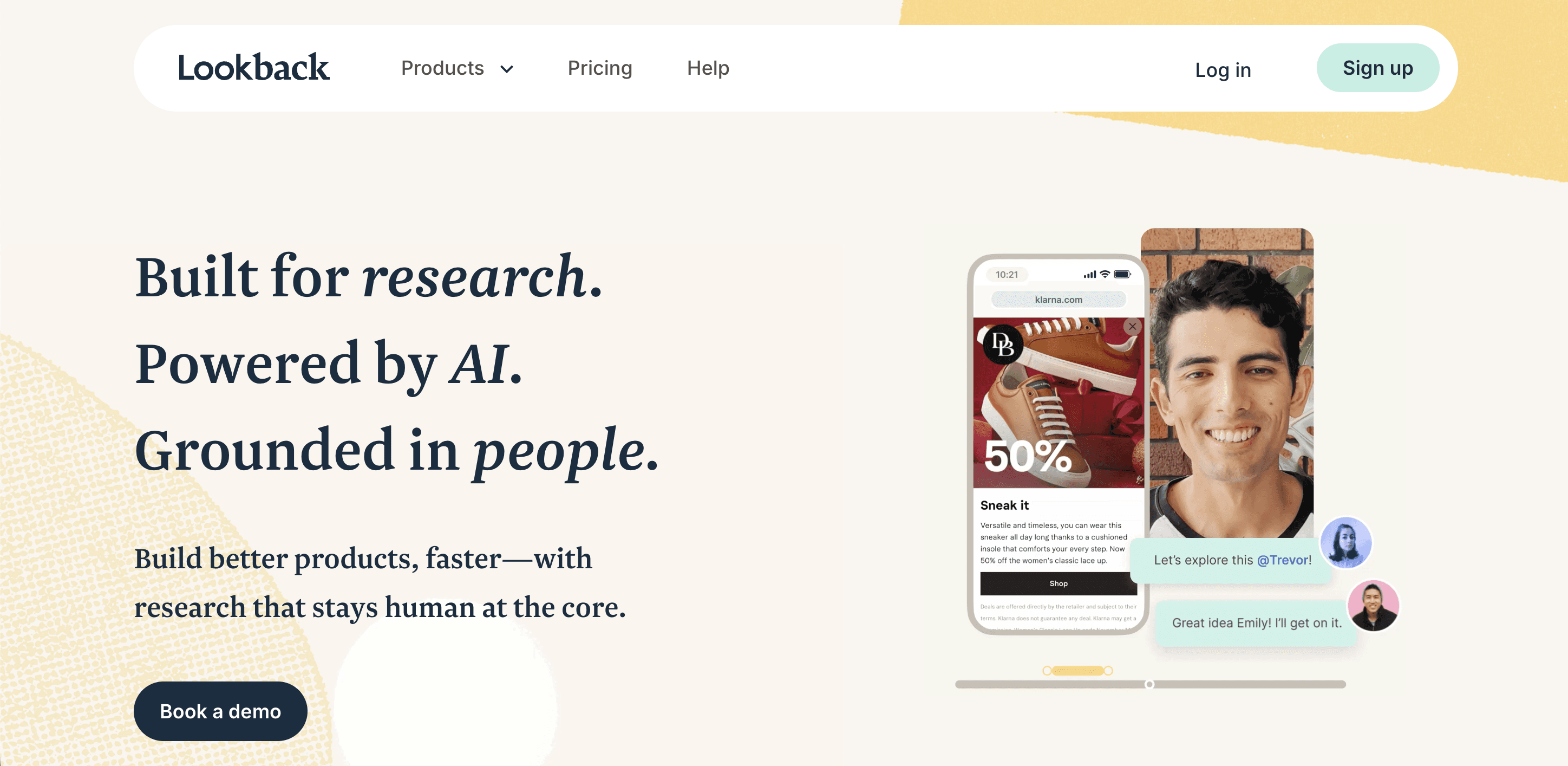
Lookback is a live moderated user research platform focused on real-time video interviews and remote usability sessions. It captures screen, audio, and video during live sessions, with observer tools for stakeholders watching in real time.
Who it's for
UX researchers running live moderated usability tests, 1:1 interviews, and remote observation sessions where a human moderator is central to the research design.
Capabilities
Live moderated video interviews with screen sharing
Real-time observer rooms for stakeholders to watch alongside researchers
Session recording and transcript management
Mobile testing support for iOS and Android
Note-taking and timestamping features for live analysis
Considerations
Lookback is designed around human moderation rather than AI-moderated interviewing. Teams evaluating AI moderation or looking to scale to parallel sessions will find the platform's scope more focused on live, moderator-led work, and will typically pair it with an AI-native platform when they need scale.
6. User Interviews
Overview
User Interviews is a participant recruitment and research operations platform focused on sourcing qualified respondents for UX studies, with scheduling and study management features layered on top of its core recruitment offering.
Who it's for
UX research teams that need a reliable source of participants for studies conducted on other platforms, particularly teams building consistent recruiting pipelines without running their own panel.
Capabilities
Participant sourcing across consumer and B2B audiences
Screener design and audience targeting tools
Scheduling, incentive handling, and participant management
Integrations with research, interviewing, and survey tools
Consent and compliance tracking for participant data
Considerations
User Interviews is a recruitment layer rather than an end-to-end research platform. Teams still need separate tools for interviewing, analysis, and repository management. For UX teams that want recruitment and AI moderation in one workflow, platforms with native recruitment infrastructure may be a closer fit.
7. Dovetail
Overview
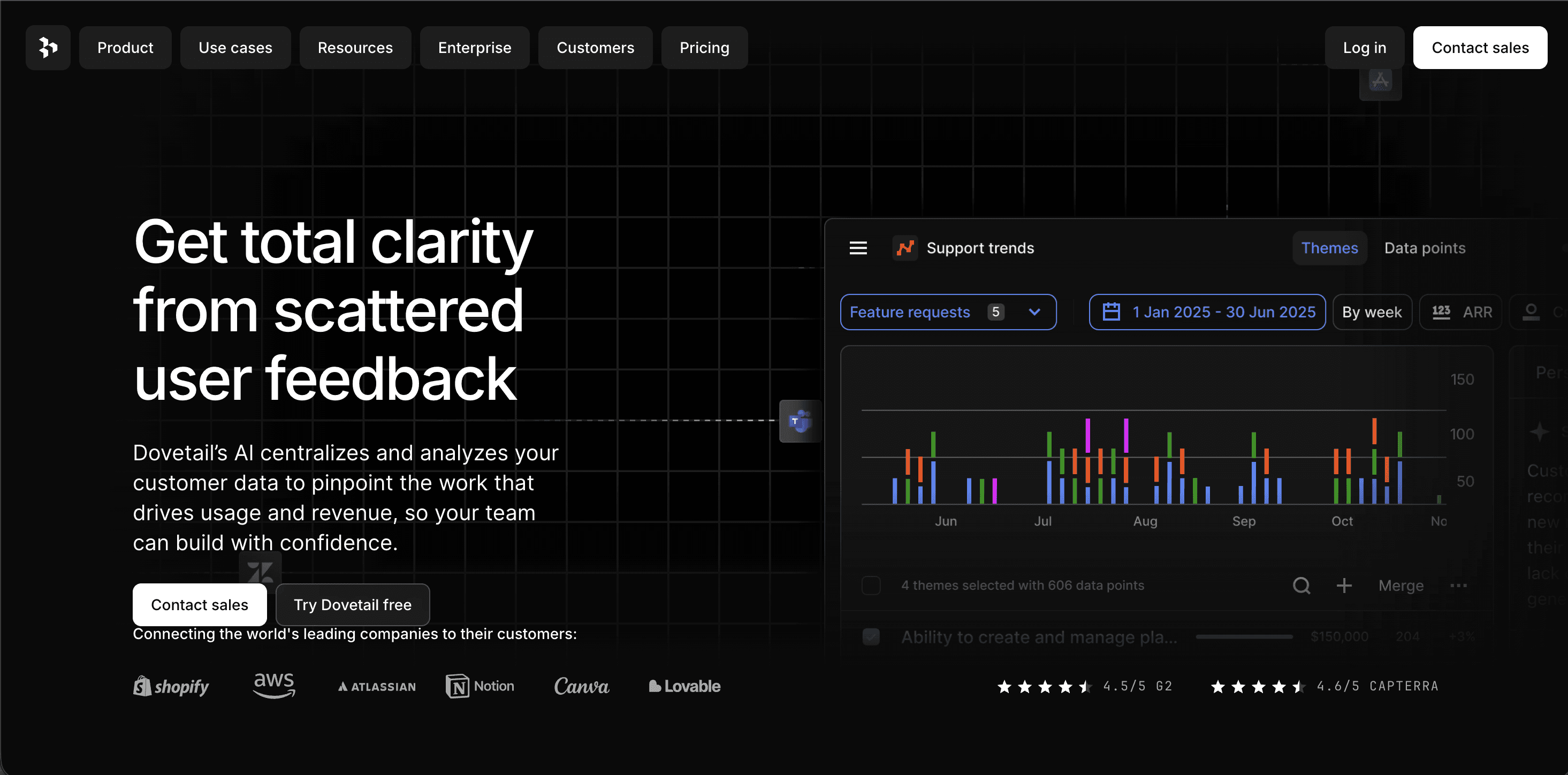
Dovetail is a research repository and analysis platform designed to centralize insights from interviews, surveys, and feedback across teams. It supports AI-assisted tagging, theme detection, cross-study search, and a newer interview capture layer (Channels) for bringing conversations into the repository.
Who it's for
UX research ops teams and distributed research organizations that need to consolidate scattered qualitative assets and make historical research searchable across stakeholders.
Capabilities
Research repository with tagging, annotation, and collaboration features
AI-assisted theme detection across transcripts and documents
Insight libraries with sharing, commenting, and search
Channels for interview capture feeding directly into the repository
Integrations with interviewing tools, design tools, and product systems
Considerations
Dovetail is primarily a research hub rather than a fieldwork platform. It does not include native participant recruitment, and its interview capture capabilities are a newer layer on top of a repository-first product. Teams that need recruitment and AI moderation as primary capabilities typically pair Dovetail with a dedicated research platform.
8. Optimal Workshop
Overview
Optimal Workshop is a specialized UX research toolkit focused on information architecture research, including tree testing, card sorting, first-click testing, and IA validation studies.
Who it's for
UX researchers and content strategists running information architecture studies, navigation testing, and IA validation as part of product design and redesign projects.
Capabilities
Treejack for tree testing and IA validation
OptimalSort for card sorting studies
Chalkmark for first-click testing
Reframer for qualitative note-taking and analysis
Recruitment support via integrations
Considerations
Optimal Workshop is deep in the IA research category but narrow outside of it. Teams running broader discovery, usability, or longitudinal research will use it alongside a more general-purpose research platform rather than as a primary tool.
9. Sprig
Overview
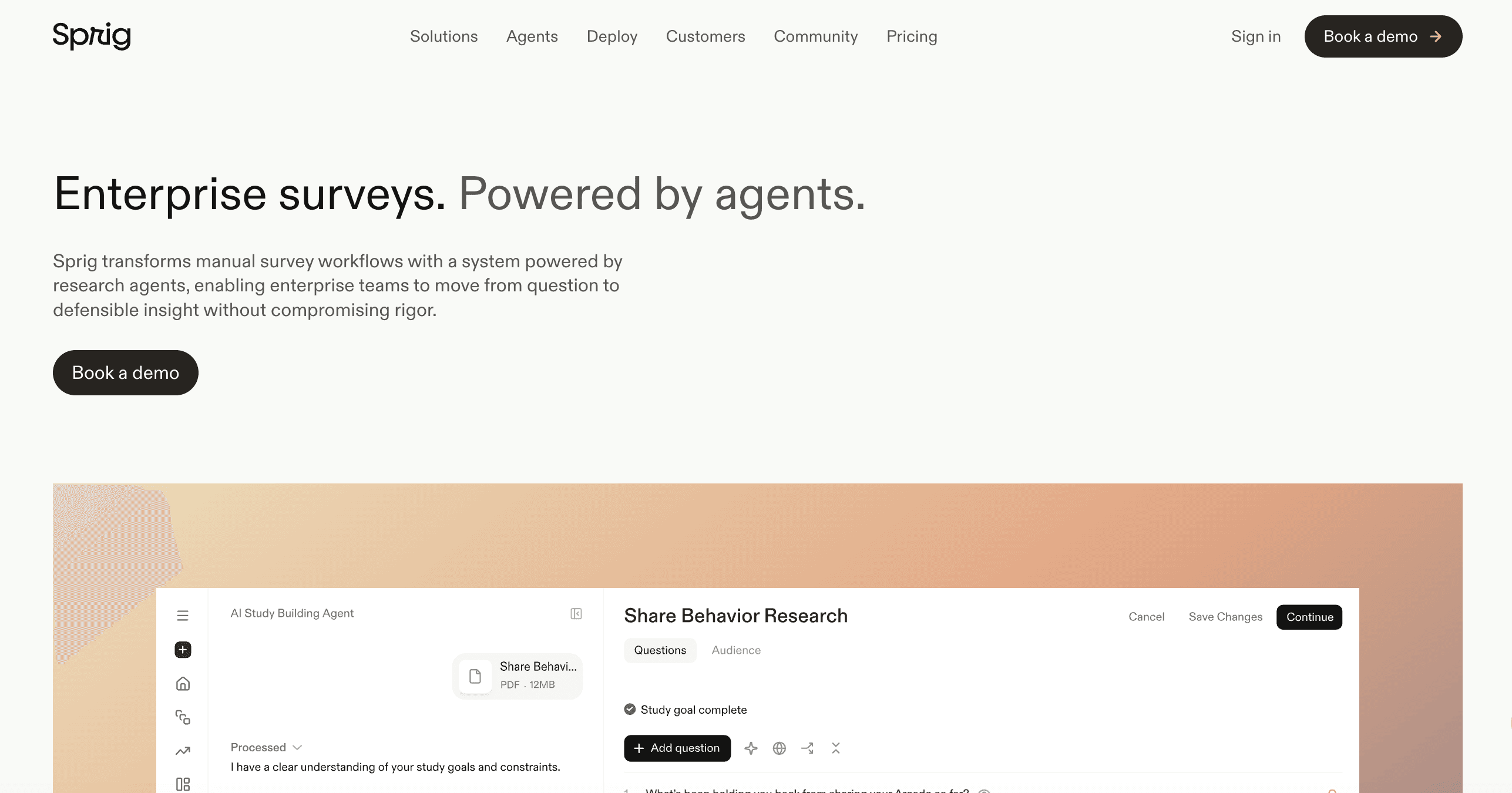
Sprig is an in-product research platform that captures user feedback and behavior directly inside a live product. It combines AI-powered microsurveys, session replays, and heatmaps with AI agents that support study design, fielding, and synthesis, targeted at continuous product feedback rather than external moderated interviews.
Who it's for
Product teams and UX researchers running continuous in-product research programs, where feedback is captured from existing users at specific moments in the product experience rather than through external recruited studies.
Capabilities
Targeted in-product surveys triggered by user behavior, product events, and attribute segmentation
Session replays with AI-assisted summarization and linking back to specific survey responses
Heatmaps with AI analysis surfacing patterns in in-product interaction
Natural-language querying across captured data for product-level questions
Integrations with Amplitude, Mixpanel, Segment, and other product analytics tools
Considerations
Sprig is scoped to research with existing users inside a live product. Teams that need external participant recruitment for audiences they don't already have access to, or AI-moderated conversational interviews with adaptive probing, typically use Sprig alongside a dedicated moderation and recruitment platform rather than as a replacement for one.
10. Dscout
Overview
Dscout is a mobile-first research platform specialized in diary studies and in-context research. It captures video, photo, and text responses from participants in their natural environments over time.
Who it's for
UX researchers running diary studies, longitudinal research, and in-context product evaluation where behavior in real environments matters more than lab-based usability.
Capabilities
Mobile-first participant application for video, photo, and text submissions
Longitudinal and diary study workflows with prompted missions
Participant panel with demographic and behavioral targeting
Video clip tagging and highlight generation
Research templates for common longitudinal methods
Considerations
Dscout is specialized for longitudinal and in-context research. Teams running quick-turn usability tests, prototype evaluation, or moderated interviews typically complement it with a lighter-weight testing platform and a separate moderation tool.
11. Marvin
Overview
Marvin (HeyMarvin) is a research repository and knowledge management platform that more recently added an AI Moderated Interviewer to its core offering. It's designed primarily to help teams centralize, organize, and surface insights from existing research assets.
Who it's for
Research operations teams and insight managers who need to consolidate scattered qualitative assets and make historical research searchable, with some AI interview capability built in.
Capabilities
AI-assisted research repository with tagging and theme detection
AI Moderated Interviewer supporting voice and audio interviews across multiple languages
Integrations with common research and product tools
Cross-study knowledge base with cited search results
Collaboration and annotation features for distributed teams
Considerations
AI interviewing was added to a repository-first product rather than built into the core workflow, and Marvin does not include native participant recruitment. Teams evaluating it as an end-to-end AI user research platform will generally need to bring additional tools for recruitment and large-scale parallel interviewing alongside it.
12. Outset
Overview
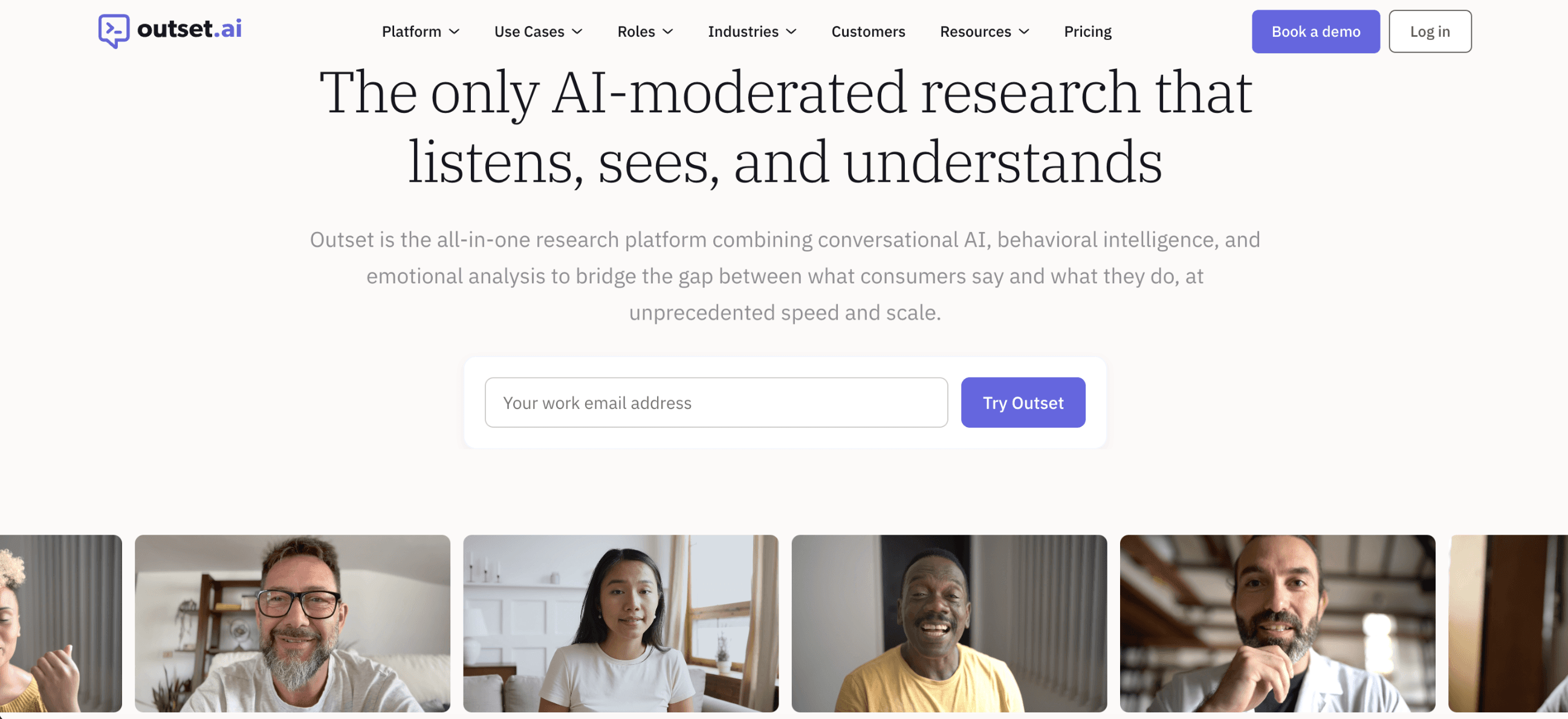
Outset is an AI-moderated interview platform built for UX and product teams, with Figma integration and screen-sharing for prototype testing alongside conversational AI interviews. It supports video, voice, and text interview modalities, with participant sourcing handled through integrated partner networks rather than a proprietary panel.
Who it's for
UX researchers and product teams running usability studies, concept tests, and prototype evaluations, particularly those who want AI moderation integrated with product design workflows.
Capabilities
AI-moderated interviews via video, voice, and text
Figma integration and screen-sharing for prototype and concept testing
Automated thematic analysis, highlight reels, and stakeholder reports
Participant recruitment through integrated partner networks such as Prolific and User Interviews
Explore feature for cross-study semantic search
Considerations
Outset recruits through partner networks rather than a proprietary panel. Its native mobile app is Android-only, which limits mobile usability testing on iOS-heavy user bases. Teams running iOS mobile research or needing custom audience sourcing for niche populations will want to evaluate those gaps closely.
13. Strella
Overview
Strella is an AI-moderated interview platform focused on conversational consumer research across voice and video modalities, with participant recruitment included.
Who it's for
UX and consumer research teams that want AI-moderated interviews in voice or video format with participant recruitment in one platform.
Capabilities
AI-moderated voice and video interviews with adaptive probing
Automated transcription and theme detection
Participant recruitment with multi-market reach
Multi-language support for consumer research
Fast turnaround for consumer studies
Considerations
Strella is scoped primarily around voice and video modalities and consumer research use cases. Teams running text-based studies, multimodal emotional analysis combining vocal and facial signals, or research programs that extend beyond consumer studies into enterprise UX or product research will want to evaluate that fit directly.
Research scenario | Capability that matters most | Best fit |
|---|---|---|
Running AI-moderated user interviews at scale with adaptive probing and integrated recruitment | Adaptive AI moderation, verified participant recruitment, and structured outputs in one workflow | Listen Labs, Outset, Strella |
UX and prototype testing inside product design workflows | Figma integration, screen-share support, and usability-specific metrics | Maze, Outset, Userology |
On-demand unmoderated video feedback from a large panel | Task-based session capture with AI summaries | UserTesting |
Live moderated 1:1 sessions with stakeholder observation | Human moderation tooling with real-time observer rooms | Lookback |
Recruiting qualified participants for studies run on other tools | Screener design, audience targeting, and incentive management | User Interviews |
Centralizing qualitative research into a shared library | Tagging, cross-study search, and knowledge management | Dovetail, Marvin |
Information architecture and navigation research | Tree testing, card sorting, and IA validation methods | Optimal Workshop |
Continuous in-product feedback from existing users | In-product surveys and session replays targeted by product behavior | Sprig |
Mobile-first and longitudinal in-context research | Diary studies and mobile-native fieldwork with AI analysis | Dscout |
Enterprise-scale UX research across usability, discovery, concept testing, and longitudinal studies in one workflow | Recruitment, moderation, fraud detection, analysis, and delivery without third-party tools, with regulated-industry compliance | Listen Labs |
How to Choose the Right AI Research Platform for Your Team
Start by matching platforms to the type of research your team runs most often and the stage of the workflow where you need the most support. Some UX research tools are built for a specific modality or method. Others are designed to support the full research lifecycle.
Questions to ask on every vendor call
How does the AI moderator handle short, off-topic, or unexpected answers?
Does the platform flag leading or biased questions during study design, or will it run a study with a bad discussion guide without warning?
Where do your participants actually come from, and what's their average number of studies per month per participant?
How does fraud detection work in practice, what does it catch, and what's the guarantee attached to it?
Can every claim in a deliverable be opened up to the underlying quote or video moment?
What happens when a non-researcher PM runs a study on the platform without a researcher's input? What guardrails exist?
Which integrations with Figma, Jira, Linear, Notion, and analytics tools are native versus routed through a general automation layer?
Who owns participant data, and is it used for any model training?
What to Look for in an End-to-End Research Platform
Qualitative research is moving away from workflows that stitch together separate tools for recruitment, interviewing, and analysis. When evaluating platforms for a continuous research program, five criteria tend to separate category leaders from point solutions.
1. Integrated recruitment and moderation
Platforms that hand off recruitment to third-party panels introduce coordination cost, timeline variability, and quality inconsistency. Platforms that own the recruitment layer alongside moderation produce more predictable studies and allow for faster iteration.
2. Traceable insights linked to source evidence
Stakeholder trust depends on whether a finding can be opened up to the underlying quote or video moment. Platforms that produce confident AI summaries without evidence trails create a credibility gap the moment a finding is challenged in a review. Before buying, ask how claims in deliverables are sourced and whether each insight can be traced back to a specific participant response.
3. Cross-study research infrastructure
Research programs that treat each project as isolated waste the compounding value of prior work. Platforms with searchable, cross-study knowledge bases turn each new study into an incremental addition to organizational intelligence rather than a standalone artifact.
4. Multimodal emotional analysis
Text-based sentiment analysis captures what was said but misses how it was said. Platforms that analyze voice tone, facial expressions, and word choice together produce a meaningfully richer read on participant reactions, particularly for brand, creative, and messaging research.
5. Compliance for regulated industries
Enterprise teams in healthcare, pharmaceutical, and financial services need SOC 2 Type II, GDPR, HIPAA, and ISO certifications (ISO 42001 for AI systems, ISO 27001 for information security, ISO 27701 for privacy) as table stakes. Platforms that lack these certifications effectively screen themselves out of regulated-industry research.
Frequently Asked Questions
What is AI user research?
AI user research describes a set of capabilities UX teams use during and around user studies. It includes AI-moderated usability testing, where an AI interviewer runs the conversation and asks adaptive follow-up questions. It includes AI-assisted analysis of UX session recordings, where the tool transcribes, tags, and identifies patterns across interviews and usability tests. It includes adaptive probing during product testing, where the AI notices hesitation or unclear answers and pushes for more detail. It does not mean AI replacing user researchers. Researchers remain central to study design, interpretation, and strategic recommendations. The AI handles the time-consuming execution work so researchers can focus on what actually requires judgment.
Will participants actually open up to AI?
Research comparing AI-moderated interviews to human-moderated sessions consistently finds that participants often share more candidly with AI interviewers, likely because there's less perceived social pressure or judgment. The quality of the experience depends heavily on how the AI handles the conversation. Platforms that move linearly through a script without responding to what participants actually say produce shallow results. Platforms that use adaptive probing, asking follow-up questions when answers are brief or unclear, tend to generate meaningfully longer and more substantive responses. When evaluating any AI interview platform, ask to see a sample transcript and look at how the moderator handles hesitant or unexpected answers.
How do I know the AI's follow-up questions are actually good?
The best way to evaluate follow-up quality is to read real transcripts, not marketing examples. Ask the vendor for three unedited transcripts from recent studies, ideally from different use cases. Look at what happened when a participant gave a one-word answer, went off-topic, or mentioned something unexpected. Good AI moderators notice these moments and probe further. Scripted tools just advance to the next question. If a vendor won't share real transcripts, that's a signal in itself.
How do I sell AI user research to skeptical stakeholders?
Pushback usually comes from one of two places. Research purists worry AI moderation produces shallower insights than human-led conversations. Product leaders worry AI research is a way to cut corners. Both concerns are legitimate, and both can be addressed with the same move: show the work. Bring a transcript where the AI probed a short answer into a useful one. Bring an output where every claim opens up to a real quote or video moment. Show that the researcher stayed in control of study design, analysis, and recommendations. The case for AI user research isn't "faster research." It's "deeper research than you're doing now, because researchers spend less time on logistics and more time on interpretation."
Can AI replace human UX researchers?
No. AI handles the logistics. Researchers do the thinking. Platforms that pitch AI as a replacement for researchers are selling the wrong thing, and UX teams see through it fast. What AI moderation actually changes is where researchers spend their time. Rather than managing logistics, sitting in back-to-back moderation sessions, or tagging transcripts manually, researchers can focus on study design, interpreting nuance, and translating insights into product decisions. The research judgment, the methodology choices, and the synthesis into strategy all stay with the human. The best platforms treat AI as a research assistant, not a substitute for one.
What's the difference between AI user research and AI user testing?
The terms overlap, but there's a useful distinction. "User testing" tends to refer to task-based evaluation of a specific product or prototype: can users complete the checkout flow, find the settings page, understand the new feature. "User research" is broader, covering discovery, motivation, journey mapping, and longitudinal study alongside testing. AI user testing platforms tend to focus on unmoderated task sessions with AI-assisted summary. AI user research platforms tend to include moderated interviews, discovery methods, and cross-study synthesis. Teams doing both often need tools from both categories, or a platform that spans them.
How does AI user research handle mobile testing?
Mobile testing splits into two categories. Mobile web testing works in a browser, which most AI research platforms support directly. Native mobile app testing often requires a dedicated mobile app for screen recording, and platform support varies significantly. Some platforms have iOS and Android apps. Some are Android-only. Some are browser-based only. If mobile-native research is part of your program, confirm platform support for both iOS and Android before buying, and ask how the platform handles in-app gestures, gestures-plus-voice, and mobile-specific usability patterns.
How secure is AI user research data?
Security requirements vary by industry. At minimum, enterprise UX teams should require SOC 2 Type II certification and GDPR compliance for handling participant data across jurisdictions. Teams in healthcare, pharmaceutical, or financial services typically also require HIPAA compliance and relevant ISO certifications: ISO 42001 for AI systems, ISO 27001 for information security, and ISO 27701 for privacy. Before committing to any platform, confirm the vendor holds the certifications relevant to your industry, check their data retention policy, ask whether participant data is used to train models, and review how access controls work across your organization.